

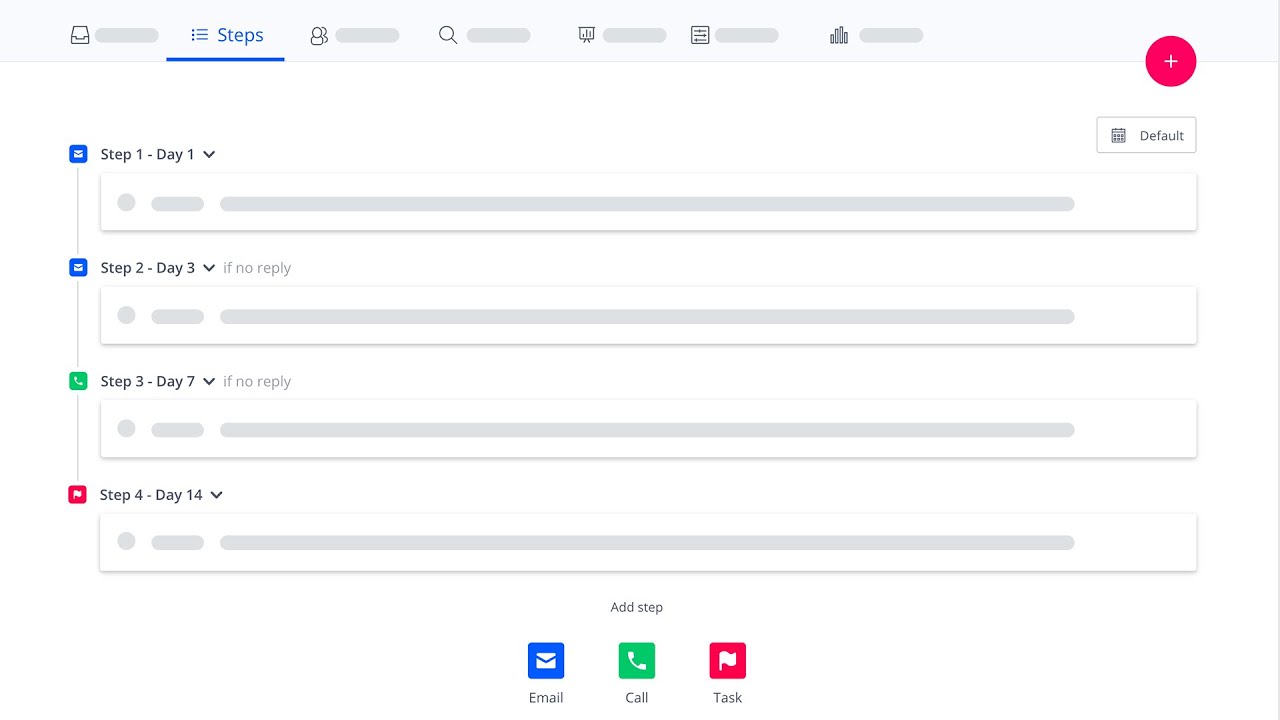
 In this video, you will learn how to automate various sales communication channels - automated or manual emails, voice calls, social touches, meetings or simply ‘To Do’ tasks using a multichannel sequence feature in Reply.io.
 Sequences are a repeatable number of steps over different communication channels with delays between each step. Move your contacts via integrations, API, Zapier, or manually drop them into a sequence. Each contact will go through the same process and will be contacted at the right time via different channels as defined in your sales playbook.
Multichannel sequences eliminate daily work hassles for every customer-facing role: SDRs, Sales Reps, Recruiters, Account Execs and, Customer Success. Reply will send emails for you, schedule calls and provide voice capabilities, help to nail messaging, analyze your results (and your team’s) and help to improve them.
Once a sequence is set up and live, you will receive a daily fresh stream of leads who respond to emails, a list of calls to make and tasks to fulfill, in order to build long-lasting relationships with your prospects and nail more business.
You can set up a sequence in manual, mixed (where some of the steps are manual and some are automated) or fully automated modes, specific to your product offering or target audience.
New sequences also will leverage brand new email processing, built for scalability and better performance, which we are launching at the same time.
What’s included in Multichannel sequences:
1. Email, call, and task steps
2. Updated sequence wizard
3. Improved A/B testing
4. Social touches
5. Multichannel sequence templates
6. Advanced sequence management
Try Reply free for 14 days -


0 Comments